
Matched to your device
No need to check processor architectures or search for the right build.
Your navigation setup assistant
FleetNav selects the right components for your device, downloads maps and gets your navigation ready to install.
Android 8.0+·APK
Activation code required
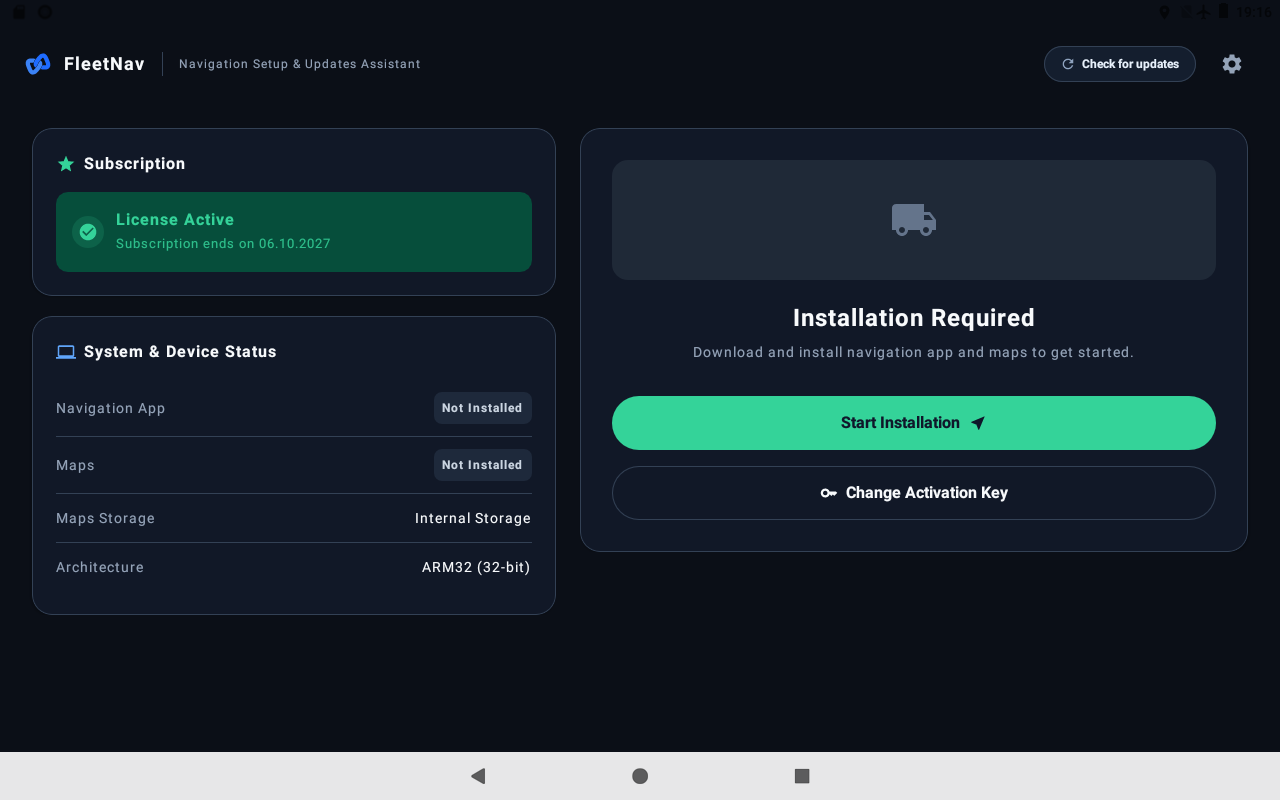
The right version, selected automatically
No need to check processor architectures or search for the right build.
The app downloads the components, checks the files and prepares your maps.
Check for available updates and update your maps from one app.
Download
Open the APK on your device.
Prepare
Enter your code and grant permissions.
Start
Wait for the download and confirm the Android prompts.
Get an activation code and enter it in the app.
Download FleetNav to your device. Our step-by-step guide will help with the rest.